FIFA 26 MOD APK Download (New OBB File) Free For Android

Description
Football games remain popular among mobile gamers who enjoy competitive matches, realistic stadiums, team management, and exciting goals. FIFA 26 MOD APK is a search term used by Android players looking for a modified football gaming experience with updated visuals, player information, kits, and other possible changes.
The experience depends on the particular version available. Some packages focus on updated squads and football kits, while others may change menus, gameplay elements, or visual presentation. Players should check the actual version before assuming that every advertised feature is included.
This guide explains FIFA 2026 MOD APK, its possible features, gameplay mechanics, team customization, Android requirements, installation process, and common issues. It also covers practical tips to help football fans understand what to check before playing.
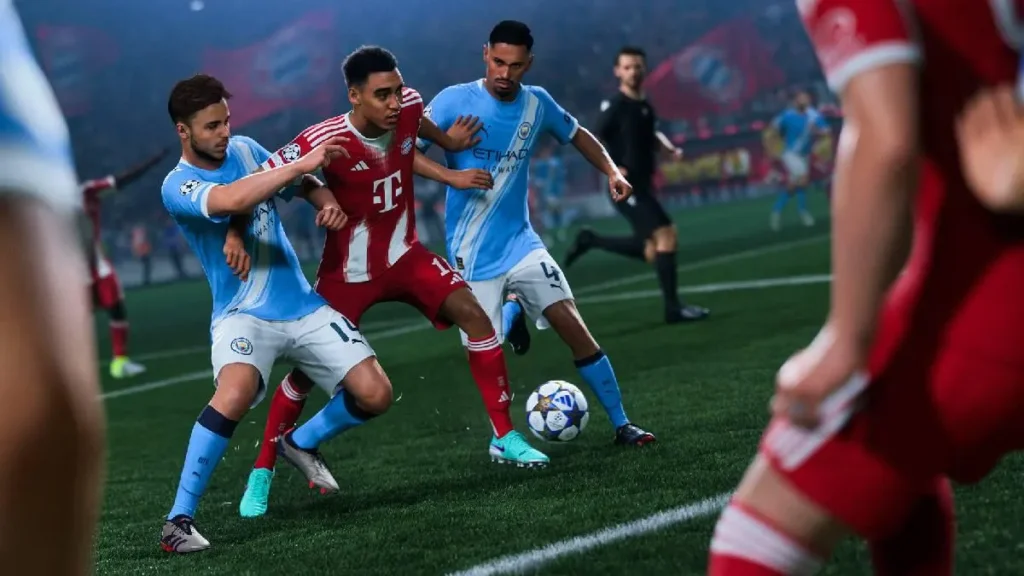
What Is FIFA 26 MOD APK?
FIFA 26 refers to unofficial Android packages advertised as modified football games associated with the FIFA gaming series. Different providers may offer different versions, so the actual gameplay and modifications can vary.
Depending on the package, changes may involve team rosters, player appearances, football kits, menus, graphics, or selected gameplay elements. Some versions may use an older football game as their base and update its presentation to resemble a newer football season.
The name alone does not confirm which game engine, teams, or features the package contains. Checking the version details and actual gameplay is the best way to understand what it offers.
How Does FIFA 26 MOD APK Work?
An APK is an Android application package used to install an app. A modified APK contains changes made to an existing application or its components.
For a football game, these changes might affect visual assets, player information, kits, menus, or other elements. Some packages may also require additional game data to display stadiums, player models, commentary, and other resources.
The final experience depends on the files included and the game version they support. An APK may install successfully but still fail to load matches if its additional data is missing or incompatible.
What Makes Modified Football Games Different?
Modified football games often attract players who want a different presentation from the original release. Updated kits, customized menus, and altered player information can change how a football game looks.
However, visual changes do not necessarily improve the underlying gameplay. A package with updated team artwork may retain the same controls, animations, and match mechanics as its original game.
Players should therefore evaluate the actual features rather than relying only on the name or promotional description.
Key Features of FIFA 26 MOD APK
The following sections explain the main features football fans should look for when evaluating a specific version.
Updated Football Kits and Team Appearance
Football kits are among the most noticeable elements of a modified football game. Some versions may include redesigned home and away kits, updated colors, or new team artwork.
These changes can make matches look more current when the original game uses older visual assets. Team logos, kit numbers, and player appearances may also receive modifications.
The actual changes depend on the package. Check screenshots from the installed version to confirm which teams and kits it includes.
Player Names, Faces, and Squad Information
Player information can influence the overall football experience. Some modified versions advertise updated player names, squad lists, faces, or team lineups.
The quality of these changes varies. Certain packages may update selected players while leaving other squads unchanged. Player ratings and attributes may also differ from real-world performance or current official game data.
A useful review should identify the specific roster changes rather than claim that every player has been updated.
Graphics and Stadium Presentation
Graphics influence how players, pitches, and stadiums appear during a match. Modified football packages may advertise improved textures, updated menus, or changes to the visual presentation.
The final result also depends on the underlying game. Better-looking artwork does not automatically mean improved animations or more realistic physics.
Your phone’s display, graphics hardware, and available memory can also affect the experience. A demanding visual modification may run less smoothly on a device with limited resources.
Gameplay and Customization Options
Some versions may alter selected gameplay elements or provide additional customization. Depending on the modification, these changes could affect player appearances, menu layouts, or other visual details.
Do not assume that a package includes unlimited coins, unlocked premium content, or advanced gameplay options unless the exact version confirms them.
Before relying on a feature, check its description and look for genuine gameplay footage showing it in action.
Game Modes and Football Gameplay
The available modes depend on the underlying game. Understanding the gameplay systems is important because a football title’s value comes from more than its graphics.
Football Matches and Competition Modes
Depending on the base game, players may find friendly matches, tournaments, league competitions, or other football challenges.
Some packages retain the original game’s modes, while others may have limited functionality. Server-dependent competitions may not work if the modified version cannot connect to the required services.
Check the available game menu before assuming that a specific tournament or competition is included.
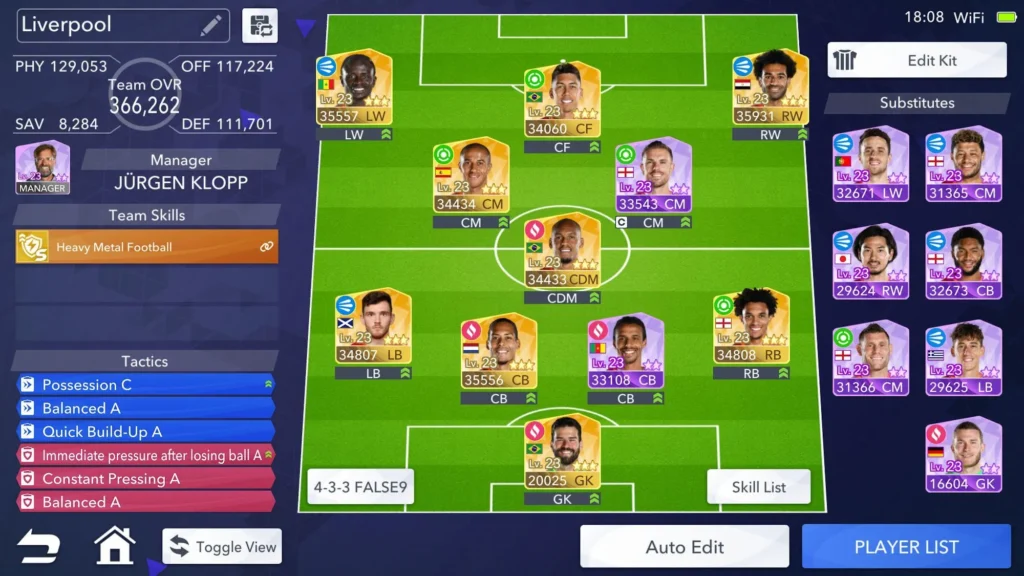
Team Selection and Squad Management
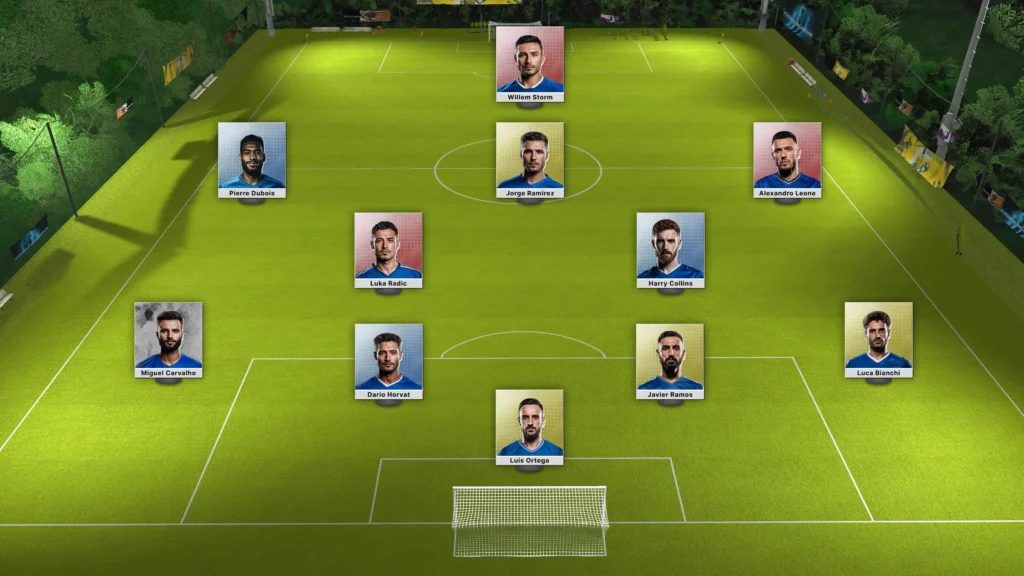
Team selection allows players to choose the side they want to control. In games that support squad management, users may also adjust their starting lineup, select substitutes, and arrange player positions.
A balanced squad usually combines attacking options with players who can defend and maintain possession. Fast attackers can help create chances, while reliable midfielders can support both defence and attack.
The available teams and management options depend on the specific game version.
Passing, Shooting, and Dribbling
Passing helps players maintain possession and create opportunities. Short passes work well when teammates are nearby, while through balls can help attackers move into open spaces.
Dribbling can help you get past defenders, but excessive skill moves may cause you to lose possession. Use changes of direction when you have enough room to move.
Shooting requires attention to distance, angle, and pressure from defenders. Close-range attempts often provide better opportunities than rushed shots from far outside the penalty area.
Defensive Controls and Tactical Play
Defending requires good positioning and timing. Moving every defender toward the ball can leave open spaces for the opposing team.
Try to keep your defensive line organized and switch players when necessary. If the game supports tactical settings, experiment with formations that match your preferred playing style.
A balanced formation can help beginners learn the basics before trying more attacking or defensive setups.
Does FIFA 26 MOD APK Support Offline Play?
Offline availability depends on the actual package and the game it modifies. Some football games support selected single-player matches without an internet connection, while other features require online access.
Additional downloads, account verification, live events, and multiplayer modes may have separate requirements.
If offline gameplay is important to you, confirm that the exact version supports it before installation. Do not assume that every match mode will work without an internet connection.
FIFA 26 MOD APK Requirements for Android
There is no universal set of verified system requirements for every package advertised under the FIFA 26 name. The required Android version, memory, storage, and processor depend on the underlying game and its modifications.
Android Version and Device Compatibility
Check the version information supplied with the package before installing it. Some older games may work on a broad range of devices, while newer or modified versions may require more recent software.
Processor architecture can also affect compatibility. A package designed for a different device environment may fail to install or launch.
RAM and Storage Space
Football games need memory to load player models, stadiums, animations, and other resources. Devices with limited RAM may experience longer loading times or crashes during matches.
Storage requirements include both the installation package and any additional game data. Keep enough free space for installation and normal device operation.
The exact file size should be checked against the particular release rather than estimated from another version.
Graphics Performance and Internet Access
Graphics performance affects frame rates, animation smoothness, and loading times. Close unnecessary background applications if the game struggles to run, and lower graphics settings if the game provides that option.
Internet requirements depend on the features you want to use. Local matches may have different requirements from online competitions, account services, or additional downloads.
How to Download and Install FIFA 26 MOD APK
Before installing a modified football game, identify the exact version and check whether its files are compatible with your phone.
Things to Check Before Installation
- Confirm the package version and supported Android environment.
- Check whether the game requires additional data files.
- Review the file’s origin and available release information.
- Scan the APK with a reputable security tool.
- Check the requested permissions before opening the application.
- Keep a backup of important game data.
- Avoid installers that require unrelated applications or sensitive account information.
Steps to Install an APK on Android
- Obtain the installation file from a source you have reason to trust.
- Check the file for compatibility and scan it for potential threats.
- Open the APK through your Android file manager.
- If Android requests permission to install apps from that source, grant it only if you understand the risks and trust the file.
- Follow the installation instructions displayed on your device.
- Review the application’s permissions before opening it.
- If the game requires additional data, verify that the files match the installed version.
Once installation finishes, open the game and check whether the main menu, graphics, and match functions work as expected.
If Android blocks the package or security software flags it, do not bypass those protections just to complete the installation.
Tips for Better FIFA 26 MOD APK Gameplay
A few basic techniques can help you become more comfortable with mobile football controls.
Learn the Controls First
Spend your first few matches learning the passing, shooting, sprinting, and defensive controls. Avoid using every skill move immediately.
If the game offers training or practice matches, use them to understand the control layout before entering a difficult competition.
Build a Balanced Team
If squad selection is available, choose players who complement each other. Pace can help attackers create chances, while strong defenders can improve your ability to protect the goal.
Pay attention to player positions rather than selecting a lineup based only on overall ratings.
Improve Your Passing and Finishing
Move the ball patiently and look for open teammates. Through balls work best when attackers have space to run behind defenders.
Near the goal, consider the shooting angle before taking a shot. Practising these decisions can improve your results more than relying on repeated long-range attempts.
Adjust Your Formation
Try a balanced formation while learning the game. Once you understand how players move, experiment with more attacking or defensive arrangements if those options are available.
Observe how each change affects possession, defensive coverage, and the number of scoring opportunities.
Common FIFA 26 MOD APK Problems and Solutions
FIFA 26 MOD APK Is Not Installing
An installation error may occur because of insufficient storage, an incompatible Android version, a corrupted file, or a conflict with an existing package.
Check the device requirements and file integrity first. If the problem continues, the package may be incompatible with your phone.
The Game Crashes on Startup
Startup crashes can result from missing game data, incompatible resources, or problems in the modified package.
Restart your device and check the installation details. If the game still crashes, avoid downloading random replacement files or tools claiming to repair the package.
The Game Shows a Black Screen
A black screen may indicate that the game cannot load its graphics, required files, or other components.
Confirm that any required data matches the installed version. Persistent black-screen problems may indicate a damaged or incompatible package.
Gameplay Is Lagging
Lag can result from limited memory, demanding graphics, background applications, or poor optimization.
Close unnecessary apps and lower graphics settings if available. If performance remains poor, your device may not handle the particular version comfortably.
The Game Cannot Connect to Online Services
Online connection problems may occur when a modified package is incompatible with the original game’s servers or uses outdated components.
Check the game’s version and connection requirements. If the modification does not support online services, reinstalling it repeatedly may not resolve the issue.
Pros and Cons of FIFA 26 MOD APK
The advantages depend on the specific version, so consider these points as possibilities rather than guaranteed features.
| Pros | Cons |
| May offer customized football kits and visual assets | Features can vary between releases |
| May provide updated player or squad information | Rosters may still contain outdated information |
| Can offer a different presentation from the base game | Compatibility may be inconsistent |
| May appeal to players who enjoy customization | Technical support may be limited |
| Could change selected gameplay elements | Some modifications may cause crashes or missing features |
The most useful approach is to assess the actual version rather than relying on a generic list of advertised benefits.
Frequently Asked Questions About FIFA 26 MOD APK
1. What Is FIFA 26 MOD APK?
It is a term used for unofficial Android packages advertised as modified football games associated with the FIFA series. The exact game and available changes depend on the version.
2. Does FIFA 2026 MOD APK Include Updated Kits?
Some versions may advertise updated kits, but the feature is not universal. Check screenshots and version information to confirm which teams have updated appearances.
3. Can I Play FIFA 26 MOD APK Offline?
Offline play depends on the underlying game and the particular modification. Verify that the modes you want work without an internet connection.
4. Does FIFA 26 MOD APK Have Updated Players?
Some packages may modify player names, faces, or squad information. The roster can vary, so do not assume that every player reflects the latest real-world team.
5. What Android Version Does FIFA 26 MOD APK Require?
There is no single requirement for every package using this name. Check the exact release information for supported Android versions, processor architecture, RAM, and storage.
6. Why Does FIFA 26 MOD APK Crash?
Crashes can result from incompatible files, missing resources, limited memory, or problems within the package. Confirm the requirements and file integrity before attempting another installation.
7. Can I Play FIFA 26 With Friends?
Multiplayer availability depends on the specific version and its compatibility with online services. Do not assume that an offline modification supports online matches.
8. Is FIFA 2026 MOD APK Different From EA SPORTS FC Mobile?
Yes. FIFA 26 MOD APK usually refers to unofficial modified packages, while EA SPORTS FC Mobile is EA’s official mobile football game with documented features and supported updates.
Final Thoughts on FIFA 26 MOD APK
FIFA 2026 MOD APK is a search term for players interested in modified football games on Android. The main points to investigate are its actual gameplay, available teams, kit changes, visual quality, compatibility, and installation requirements.
Before choosing a version, check its release information and compare the advertised features with what the game actually provides. This helps you understand whether the package matches your expectations. If you are looking for more game like this then must visit APKSHOPIFY